Live demo
See mod_pagespeed 2.1 optimize real sites
Four real sites — an e-commerce store, a blog, a news portal, and a portfolio — each built from original, unoptimized assets. mod_pagespeed cuts total page weight by 48–69% across them; on the image-heavy store, AVIF transcoding alone takes the catalog images from 99.7 KB down to 23.7 KB (76% smaller). Every number below is measured.
This is mod_pagespeed 2.1 optimizing whole sites: the optimizer worker doing the heavy work behind the module. The module is the other half — in-process inside Apache, nginx or IIS, with granular per-filter control so you switch each optimization on or off yourself. See that filter-by-filter on the filter examples.
Want the real thing? The live admin console on our own sites.
About this demo's optimization baseline
These pages ship deliberately unoptimized assets so mod_pagespeed has real work to do: CSS is verbose with longhand properties, JavaScript is unminified, and images are served as uncompressed JPEGs.
Optimization analysis
Real measurements from the demo sites above, produced by the actual module + optimizer worker + cache stack. CSS/JS sizes are measured before and after minification, image sizes are measured before and after transcoding to WebP and AVIF.
Readout · E-Commerce Store
112.1 KB to 34.7 KB
Total page weight
1.8s to 0.8s
Load time (3G)
56 to 90
Lighthouse Performance
Resource breakdown
Total
- original
- 114,783 B
- optimized
- 35,498 B
−79,285 B −69% in size
HTML + critical CSS
- HTML
- 5,736 B
0 B 0% in size
CSS (minified)
- original
- 6,898 B
- minified
- 4,587 B
−2,311 B −34% in size
JavaScript (minified)
- original
- 2,479 B
- minified
- 1,502 B
−977 B −39% in size
Images (6x JPEG) → AVIF
- JPEG
- 99,670 B
- WebP
- 27,790 B
- AVIF
- 23,673 B
−75,997 B −76% in size
CSS minification example
Actual code from the e-commerce store demo. Comments removed, whitespace stripped, shorthand properties collapsed.
Before — 6.7 KB
                    /* ===== ShopGrid E-Commerce - Verbose CSS for PageSpeed 2.0 Demo ===== */

/* Reset: remove default browser margins and use border-box */
* {
  margin: 0;
  padding: 0;
  box-sizing: border-box;
}

/* Color palette: warm amber accent on clean neutrals */
:root {
  --primary: #e67e22;
  --primary-dark: #d35400;
  --text-dark: #2c3e50;
  --text-muted: #7f8c8d;
  --text-light: #bdc3c7;
  --bg-white: #ffffff;
  --bg-light: #f8f9fa;
  --bg-dark: #2c3e50;
  --border: #ecf0f1;
  --shadow: 0 2px 8px rgba(0, 0, 0, 0.08);
  --shadow-hover: 0 4px 16px rgba(0, 0, 0, 0.12);
}

/* Base: system font stack for performance */
body {
  font-family: -apple-system, BlinkMacSystemFont, 'Segoe UI', Roboto, sans-serif;
After — 4.5 KB
*{margin:0;padding:0;box-sizing:border-box} :root{--primary:#e67e22;--primary-dark:#d35400;--text-dark:#2c3e50;--text-muted:#7f8c8d;--text-light:#bdc3c7;--bg-white:#ffffff;--bg-light:#f8f9fa;--bg-dark:#2c3e50;--border:#ecf0f1;--shadow:0 2px 8px rgba(0,0,0,.08);--shadow-hover:0 4px 16px rgba(0,0,0,.12)}body{font-family:-apple-system,BlinkMacSystemFont,'Segoe UI',Roboto,sans-serif;font-size:16px;lin
Methodology
We separate what we directly measure from what we model. The byte sizes below are measured from the actual optimization pipeline running against the demo sites above — real pipeline output, not marketing math. The load-time and Lighthouse figures are projections we derive from those measured savings, and we say so explicitly.
Directly measured
-
CSS/JS sizes are measured by fetching the external
style.cssandapp.jsfiles from the origin server (before) and from the PageSpeed nginx proxy (after). Minified sizes reflect our actual CSS/JS minifier output. - Image sizes are measured by fetching each JPEG from the origin and the corresponding WebP and AVIF variants from the PageSpeed proxy. Totals are the real sum of all images per demo site.
Modeled from those measurements
- Load times are a model, not a stopwatch reading: we project transfer time for a simulated 3G connection (1.6 Mbps, 300ms RTT) from the measured total transfer size.
- Lighthouse scores shown here are projected from the measured resource savings and critical CSS injection, not captured from a live audit. For a live audit of your own site, use our analyzer — it runs Google's PageSpeed Insights and maps each finding to the mod_pagespeed filter that fixes it.
Measurements generated: May 29, 2026
See the live consoles
Both parts ship a console: the module's admin console and the optimizer worker's web console. These are real, publicly reachable instances running on our own infrastructure — open them and click around.
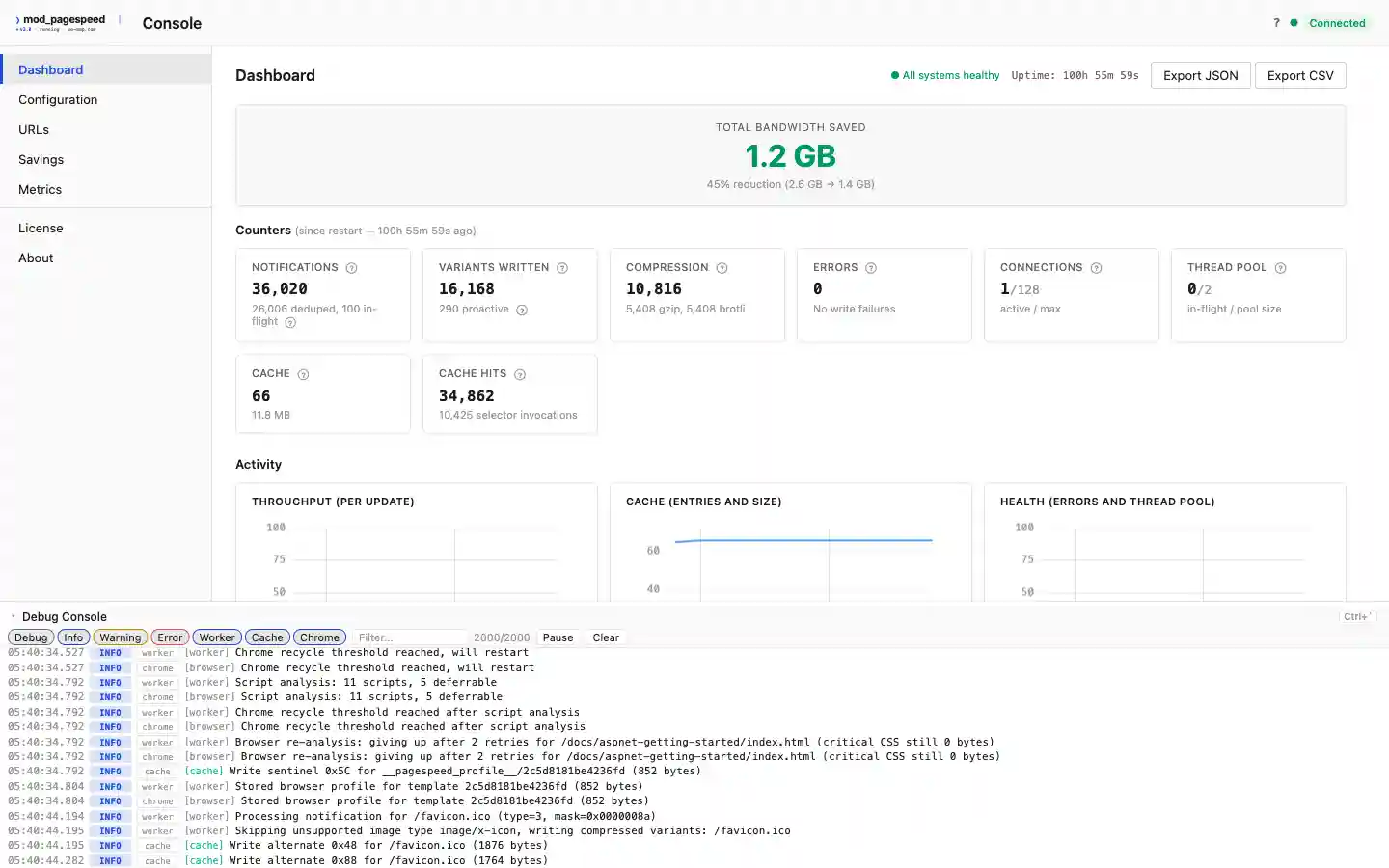
The optimizer worker's web console
A read-only console with live savings from this site's own production deployment: bytes saved by the module and the optimizer worker, by file type and by hosted site. Open the live web console →
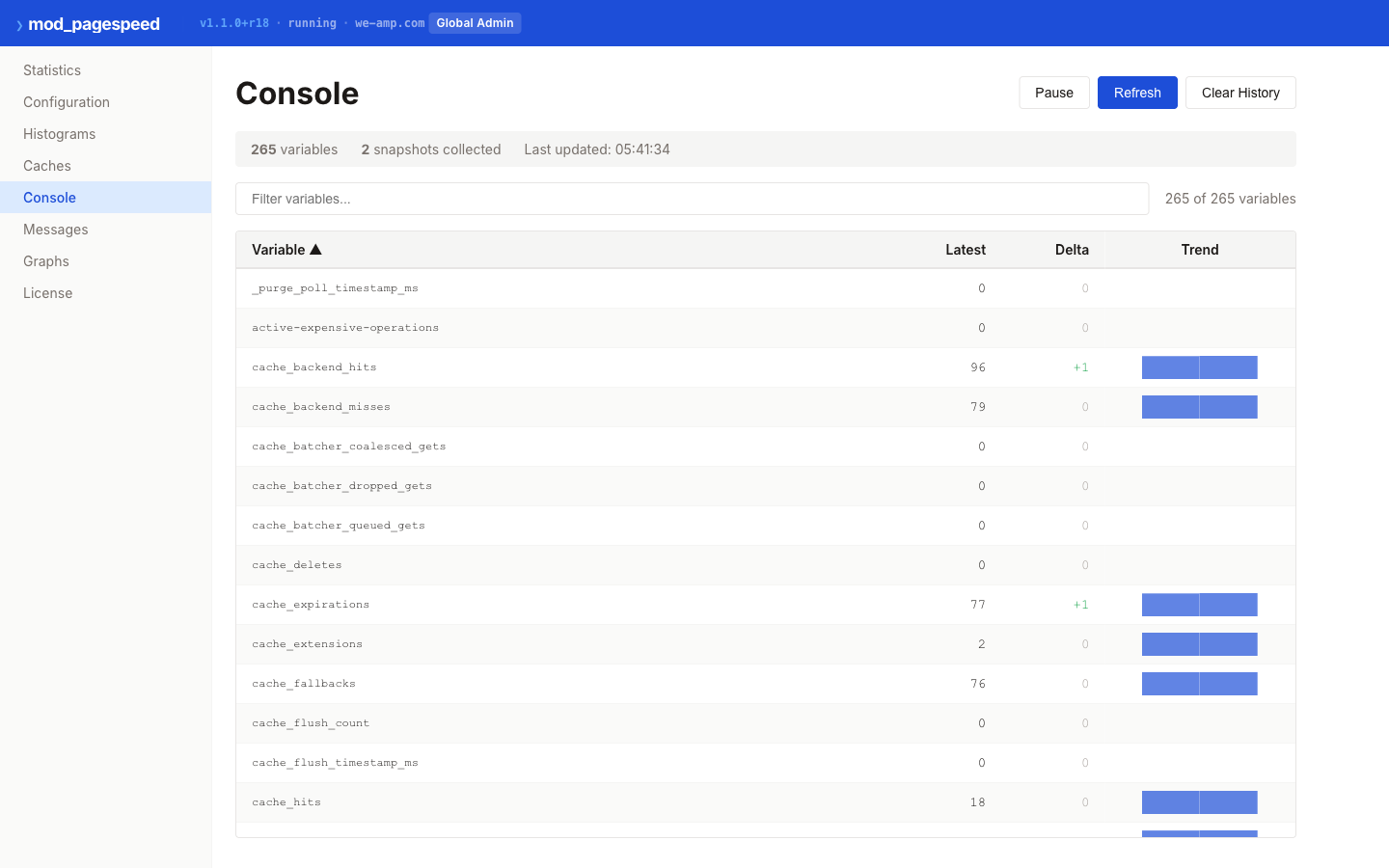
The module's admin console
The admin console built into the native module, running on our public Apache demo. Live statistics, caches, histograms, and message history, served in-process with no separate worker. Open the live admin console →
Verify on your own content
Run mod_pagespeed 2.1 locally with Docker and measure the difference on your own site.
Quick start:
docker compose -f deploy/docker-compose.yml up -d
curl -I http://localhost:8080/          # X-PageSpeed: MISS (original)
sleep 2                                 # Wait for worker optimization
curl -I http://localhost:8080/          # X-PageSpeed: HIT  (optimized)
See the getting started guide for full installation instructions.
Free to run. See these results on your own site.
Apache-2.0 — free to install and run, in development and in production.